
Manage system-wide parameters across general, payroll, tax and security tabs, including date format, employee code digits, employee code prefix, pagination size and timezone.
Settings
Manage system-wide parameters across general, payroll, tax and security tabs, including date format, employee code digits, employee code prefix, pagination size and timezone.
Set date format, employee code digit count, employee code prefix, pagination size and timezone.
Separate tabs keep payroll and tax configuration ready for deeper controls.
Security settings are grouped with the system parameters that affect all HRM users.
Choose a view to see how this module keeps daily HR work structured and reviewable.
General settings control display and record defaults.
Values remain traceable in HRM.The General Settings page from HRM centralizes operating defaults such as date format, employee code format, pagination size and timezone.
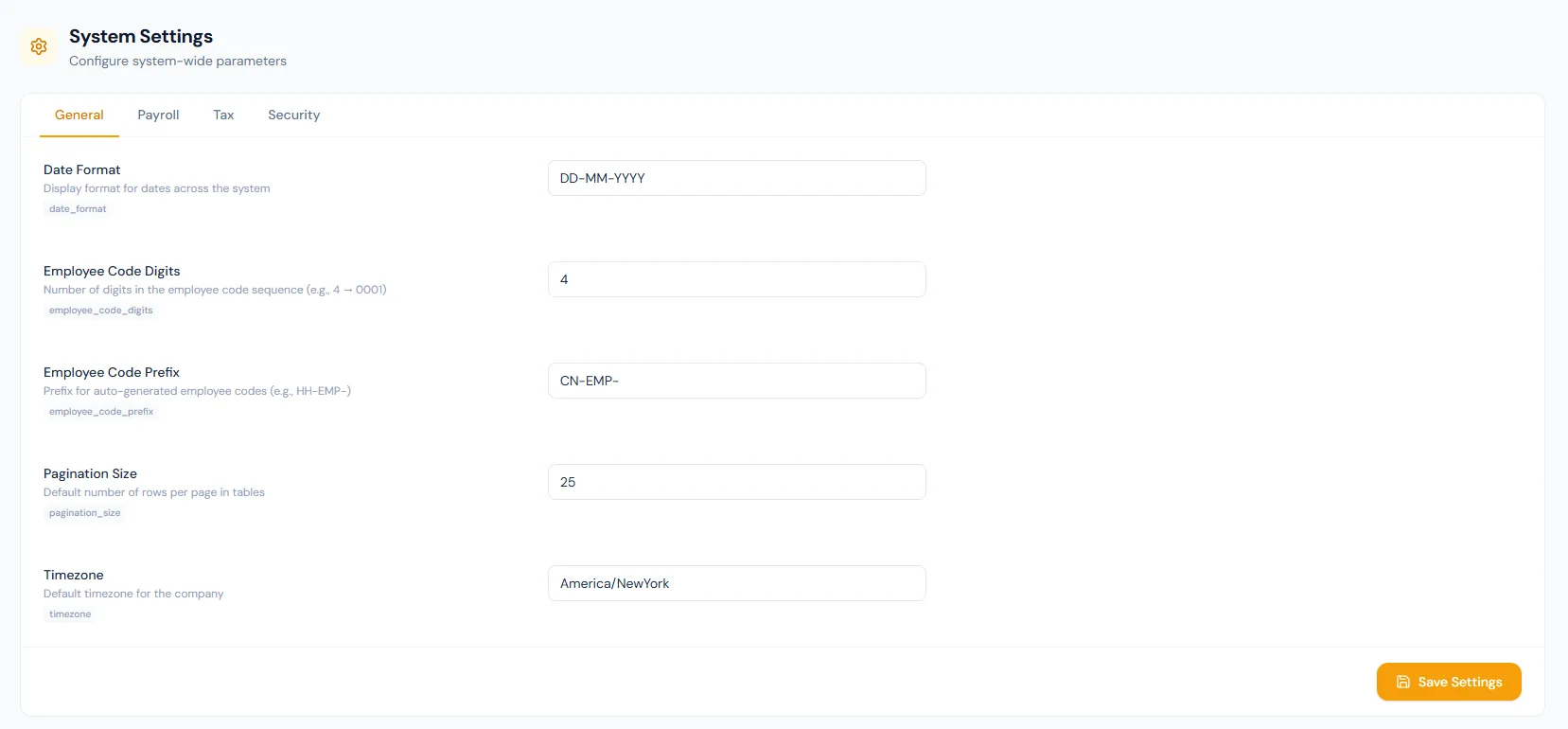
General, Payroll, Tax and Security tabs keep configuration organized.
The prefix starts from your company initials and the digit count drives generated codes.
Company timezone stays explicit for date-sensitive HR workflows.
Rounding method, precision and pay day from the payroll tab are applied in every run.
The fiscal-year start month arrives pre-filled from the company country.
Pagination size is stored as a preference for screens to adopt.
Manage system-wide parameters across general, payroll, tax and security tabs, including date format, employee code digits, employee code prefix, pagination size and timezone.
Shared context keeps this workflow aligned with employees records.
ConnectedShared context keeps this workflow aligned with payroll records.
ConnectedShared context keeps this workflow aligned with tax records.
ConnectedShared context keeps this workflow aligned with security records.
ConnectedShared context keeps this workflow aligned with reports records.
ConnectedGeneral, Payroll, Tax and Security.
Date format, employee code digits, employee code prefix, pagination size and timezone.
Yes. These defaults support employee records, payroll, reports and system behavior.
Map your current workflow to the right HRM setup, permissions and rollout plan.