
Attach verification records to official PDFs — with each document's fingerprint stored for future tamper comparison — so recipients can confirm document type, employee, issuer, issue date and official PDF source from a public verification page.
01Issue documentDocument Verification process stepActive
02Mint tokenDocument Verification process stepActive
03Inject QRDocument Verification process stepActive
Attach verification records to official PDFs — with each document's fingerprint stored for future tamper comparison — so recipients can confirm document type, employee, issuer, issue date and official PDF source from a public verification page.
Choose a view to see how this module keeps daily HR work structured and reviewable.
A URL-safe token is tied to the source document.
Values remain traceable in HRM.The Document Verification page from HRM keeps public verification tokens, issuer metadata, revocation state and official PDF access traceable for recipients.
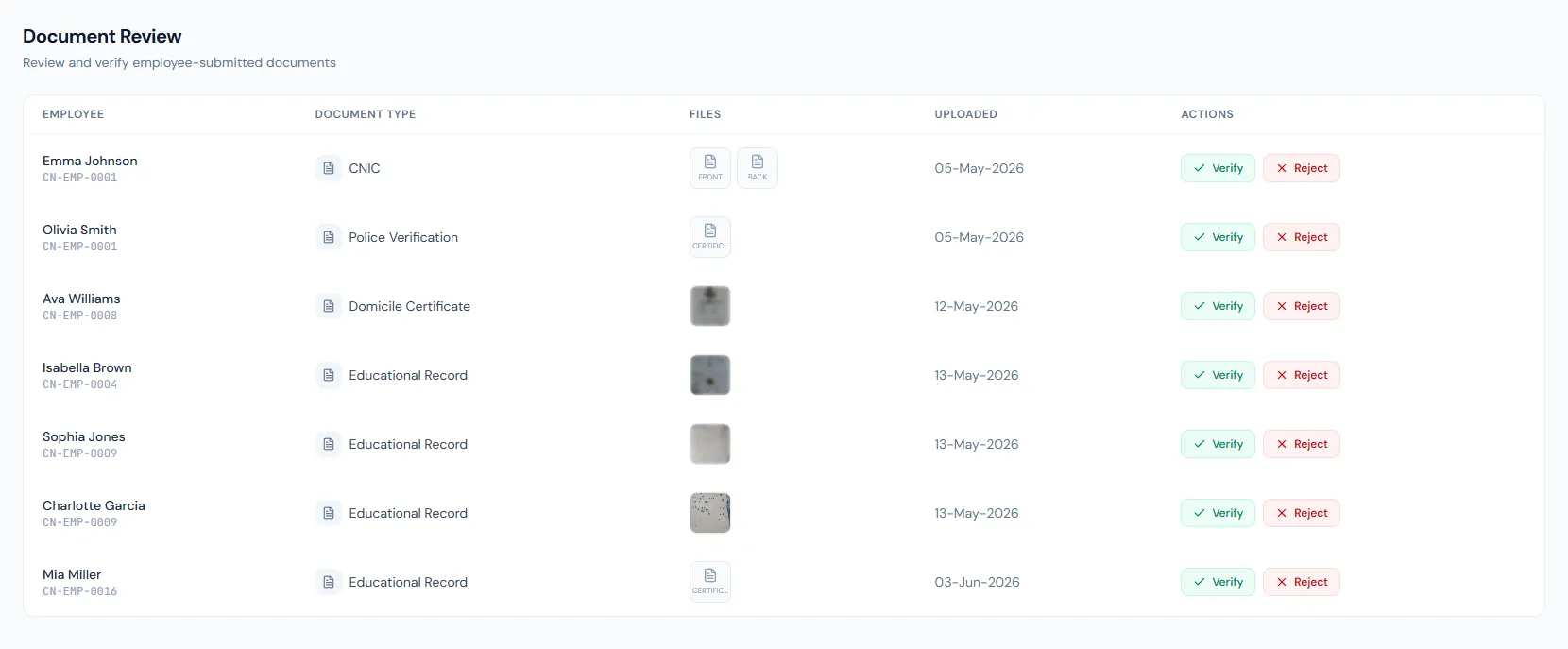
Attach verification records to official PDFs — with each document's fingerprint stored for future tamper comparison — so recipients can confirm document type, employee, issuer, issue date and official PDF source from a public verification page.
Each official document receives a high-entropy token bound to the source record.
Recipients can verify status, issuer metadata and document details without logging in.
Admins can revoke leaked or superseded documents while preserving scan history.
Each issued PDF can receive a public verification token.
HR letters, salary slips, tax certificates and appraisals all verify through the same pattern.
The PDF's fingerprint is recorded at render, ready for future tamper comparison.
Verifiers can download the authoritative system-rendered PDF.
Revoke and restore are permission-gated per document family, with reason tracking.
The verify page shows the real issue date and is rate-limited against scraping.
Shared context keeps this workflow aligned with QR verification records.
ConnectedShared context keeps this workflow aligned with HR letters records.
ConnectedShared context keeps this workflow aligned with salary slip pdfs records.
ConnectedShared context keeps this workflow aligned with tax certificates records.
ConnectedShared context keeps this workflow aligned with appraisals records.
ConnectedAnyone with the QR or tokenized URL can verify without logging in.
Yes. Revocation marks the document invalid and stops the PDF from being served.
No. It returns sanitized document metadata and the official PDF only.
Map your current workflow to the right HRM setup, permissions and rollout plan.