
Track employee transfers, promotions, designation changes, department moves, salary context and effective-dated employment events so HR teams can review the complete history behind every current assignment.
History tracking
Track employee transfers, promotions, designation changes, department moves, salary context and effective-dated employment events so HR teams can review the complete history behind every current assignment.
Record the date each transfer, promotion or assignment change becomes active.
Preserve previous department, designation, branch or reporting context beside the updated value.
Keep movement notes and history available for HR, payroll, appraisals and management review.
The Work History page from HRM preserves transfers, promotions and assignment changes so HR can audit how each employee reached their current role.
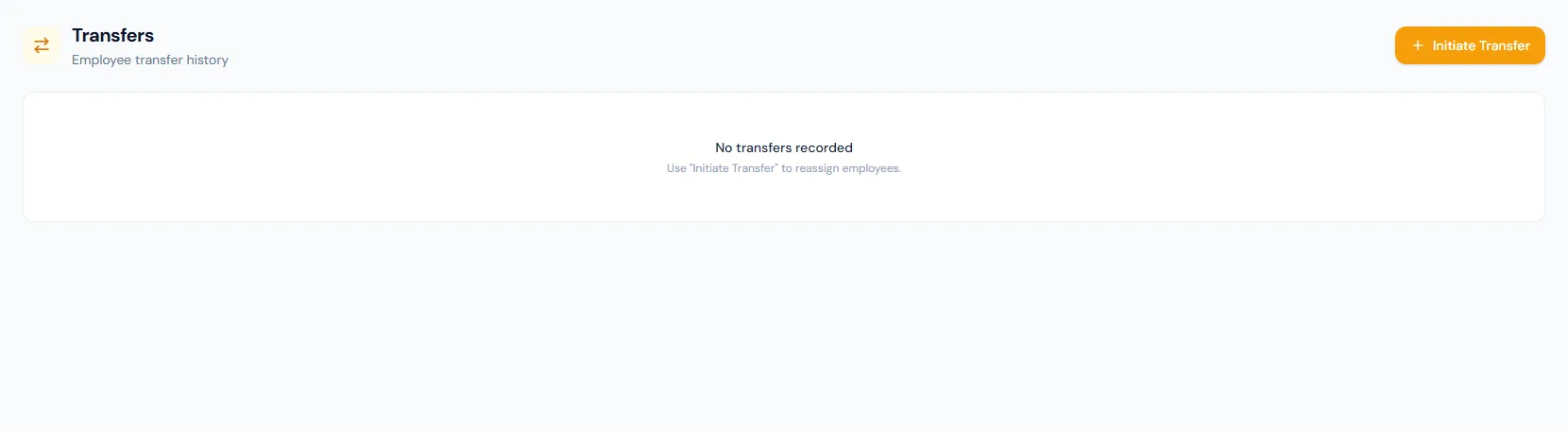
Employee assignment changes remain visible in chronological order.
HR can compare previous and current department, branch and designation values.
Transfers and promotions apply as soon as they are recorded — the date is kept for history, not deferred scheduling.
Role progression stays attached to the employee record and can carry the new salary.
Work history explains changes that affect salary, reports or employee grouping.
Historical movement data is retained instead of overwritten by the latest profile update.
Track employee transfers, promotions, designation changes, department moves, salary context and effective-dated employment events so HR teams can review the complete history behind every current assignment.
Every view stays structured and reviewable — nothing hides behind a tab.
Work history records movement across departments, designations and branches.
Promotions preserve designation context, can carry the new salary, and re-evaluate recognition badges.
Transfers and promotions send notice emails and issue the matching HR letter automatically.
HR can inspect chronological movement records and understand why the current profile changed.
Transfers, promotions, department moves, designation changes and branch moves.
They explain how the current employee assignment changed and support audit, payroll and reporting review.
No. The profile shows the current state, while work history preserves the timeline behind that state.
Map your current workflow to the right HRM setup, permissions and rollout plan.