Audit company assets by holder and status.
Report on company-owned assets by category, condition, status, current holder and issue-return history so HR can support inventory checks and offboarding clearance.
Asset Reports
01Filter assetsAsset Reports process stepActive
02Group by category/statusAsset Reports process stepActive
03Review holderAsset Reports process stepActive
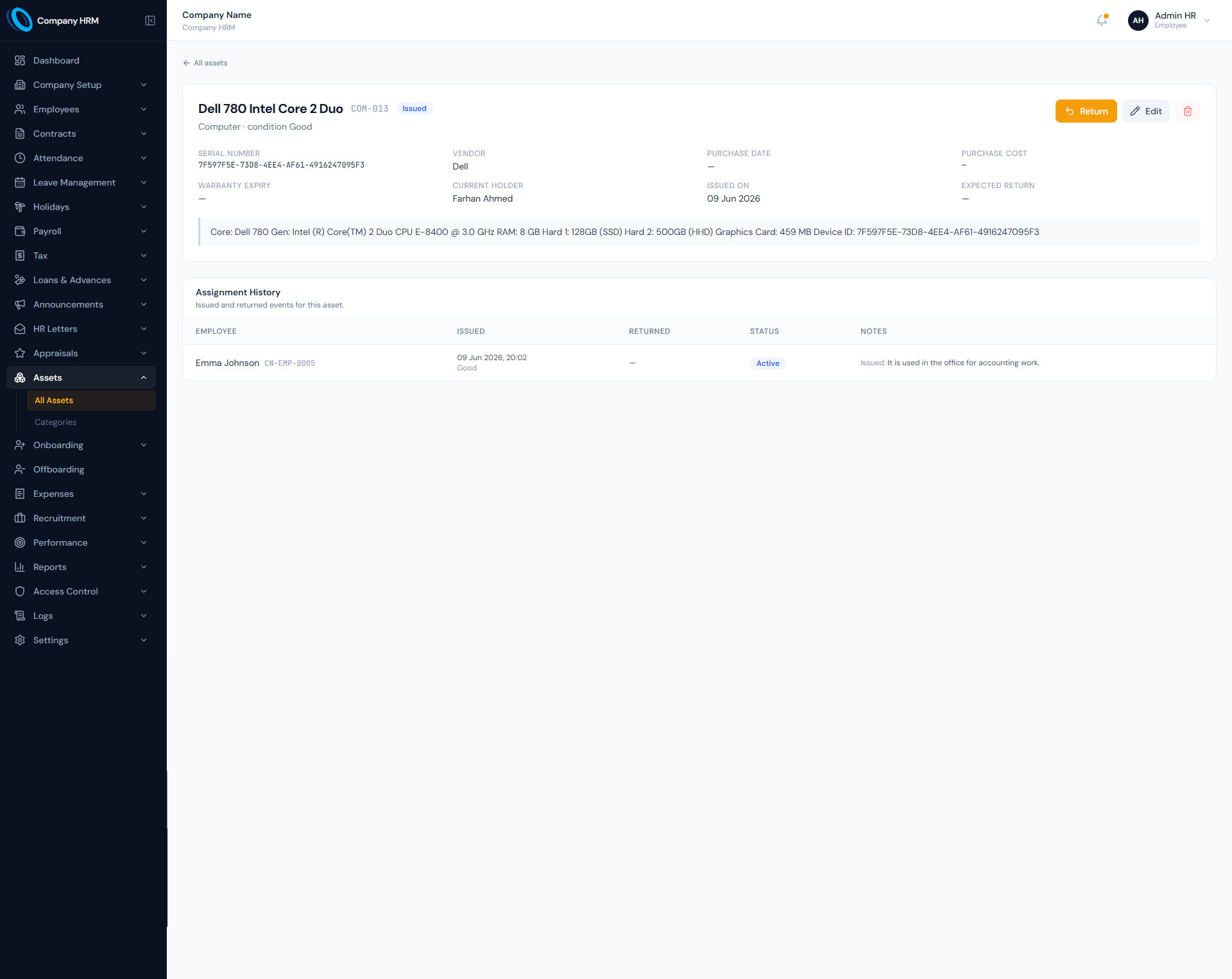
Asset Reports screen with inventory and assignment reporting.
The Asset Reports page from HRM helps teams review asset inventory, current holders, available items, lost or retired assets and employee asset history from one reporting view.
Asset Reports workflows that stay connected.
Report on company-owned assets by category, condition, status, current holder and issue-return history so HR can support inventory checks and offboarding clearance.
Inventory reporting
Asset reports use the asset register to show item tag, name, category, condition, status and holder.
Assignment history
Issue and return history shows who held which asset and when it changed hands.
Clearance support
Offboarding can use asset reports to identify outstanding company property before separation closes.
Asset Reports work stays structured from setup to review.
Report on company-owned assets by category, condition, status, current holder and issue-return history so HR can support inventory checks and offboarding clearance.
- Filter assets
- Group by category/status
- Review holder
- Check history
Asset Reports controls keep records clean and traceable.
Choose a view to see how this module keeps daily HR work structured and reviewable.
Inventory
Inventory reports show assets by tag, name, category and condition.
Values remain traceable in HRM.Details that make asset reports dependable.
Asset inventory report
Review all company-owned assets and statuses.
Issued assets report
See who currently holds each item.
Available assets report
Identify inventory ready for assignment.
Lost or retired assets report
Separate items no longer in normal circulation.
Employee asset history
Trace assets assigned to an employee over time.
Offboarding support
Use reports to confirm all assets are returned.
Asset Reports works with the rest of HRM.
HR Reports
Shared context keeps this workflow aligned with hr reports records.
ConnectedAssets Assignment
Shared context keeps this workflow aligned with assets assignment records.
ConnectedOffboarding
Shared context keeps this workflow aligned with offboarding records.
ConnectedEmployee Reports
Shared context keeps this workflow aligned with employee reports records.
ConnectedDashboard
Shared context keeps this workflow aligned with dashboard records.
ConnectedWhat HR teams usually ask about asset reports.
The reports module defines general reporting, while the assets docs define asset statuses, holders and assignment history used for asset reports.
Available, issued, maintenance, retired and lost for assets; active, returned, damaged and lost for assignments.
The assets module supports a my-assets portal view for employee-facing asset history.
See how asset reports fits your HR operation.
Map your current workflow to the right HRM setup, permissions and rollout plan.